 Fraser Page/
A new student portal needed a “tasks” concept to guide students through their journey — something to give them a sense of what to do next. Our designer did his best, but he was not a domain expert. The client, on the other hand, was, but lacked the systems thinking needed to put together a comprehensive list of student tasks. As a result, my first task when starting work on the feature was defining the tasks.
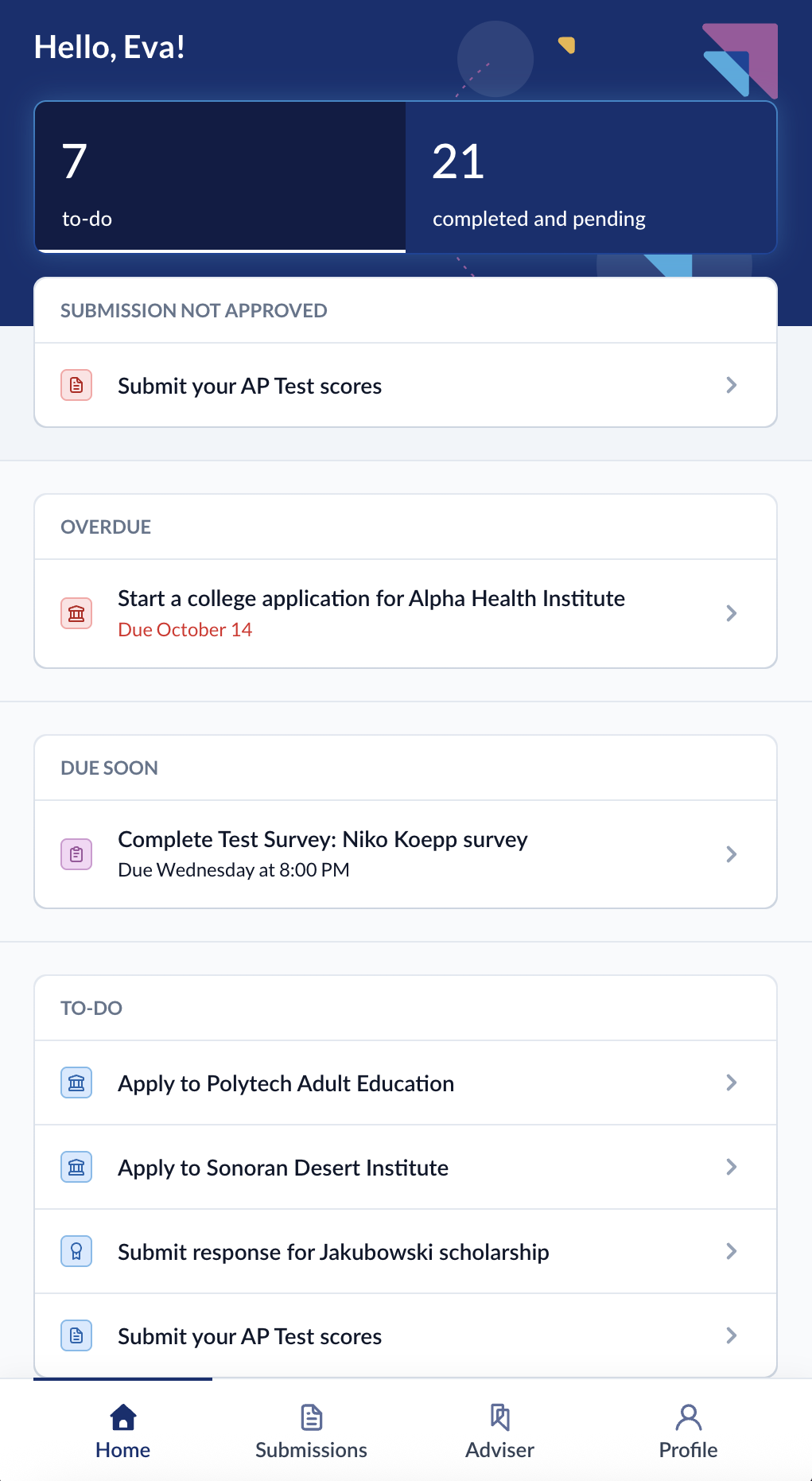
The app's whole job is collecting and tracking student data. A checklist that doesn't write back to that data would just be a second copy of it, waiting to drift out of sync. Talking this through with the dev team, we decided: each task is a read of the student's actual data: pending or complete depending on whether the underlying condition is met. Completing a task means updating that data.
Even then, we weren't quite sure what the tasks should be. The designer had already tried, and so had the client. I looked at the data itself: each piece has an obvious flow, keyed on its status field. Those statuses translated into tasks.
Each task may have four conditions (when it appears, when it's complete, when it's dismissed, and when it expires) and one lifecycle the engine runs for all of them. Students don't tick tasks off. They update something like their application status, and the task reads as complete on the next pass.
I reused GRACE's existing filter system for the conditions. Advisers already use it to build and save searches across student data, so a rule like “create this task for every application with a status of interested” is the same object the search UI produces when an adviser builds that filter by hand.
The plan was: tasks will be an admin-facing configuration. But we wanted to get the student-facing side built first. So I shipped v1 with the definitions hardcoded (eighteen of them, each a small class). Those classes had to be the same shape as the rows they'd become. They sit behind a repository, so the whole set swaps by changing one implementation. And the test suite already runs against a different one, so we can test independently of the definition classes. When the definitions move into the database and get a config screen, that screen can be a UI over a filter language the app already uses and already stores.
A naive version of this would be a query disaster: eighteen definitions, four conditions each, run against every application, test and scholarship a student has, each one a database round trip.
Before the engine runs, each task type declares the relations it needs, and those load in a single batch. I also gave the filter system a second way to execute. Alongside the path that compiles a filter into SQL, I added an in-memory path that evaluates the same filter object against data that's already loaded. After that first load, every condition check is free, so the engine costs the same whether it's running eighteen definitions or eighty.